

The Value of Ghost Cars in iRacing: A Game-Changer for Learning Tracks

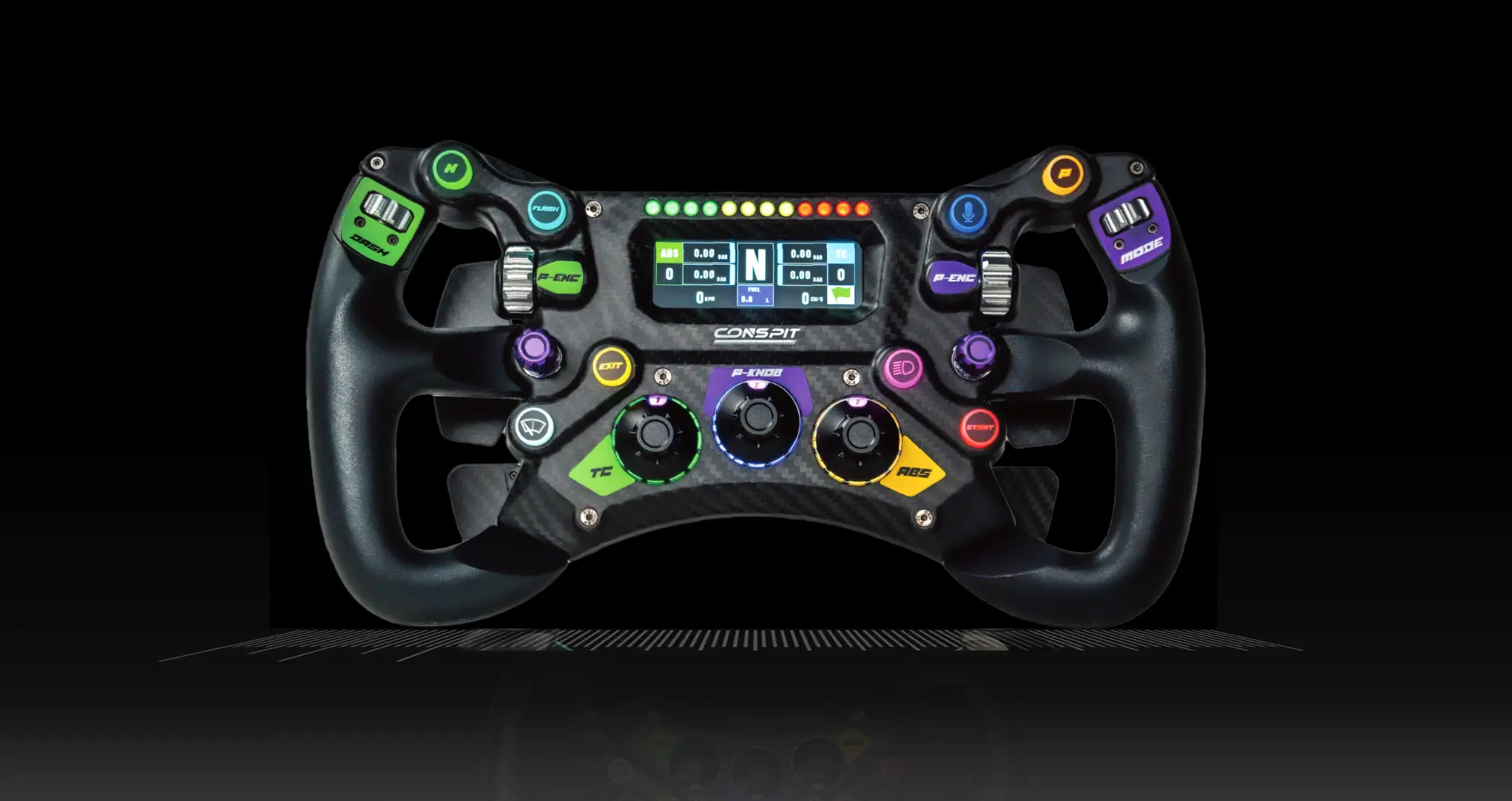
CONSPIT 300GT STEERING WHEEL
Best Value @ $399
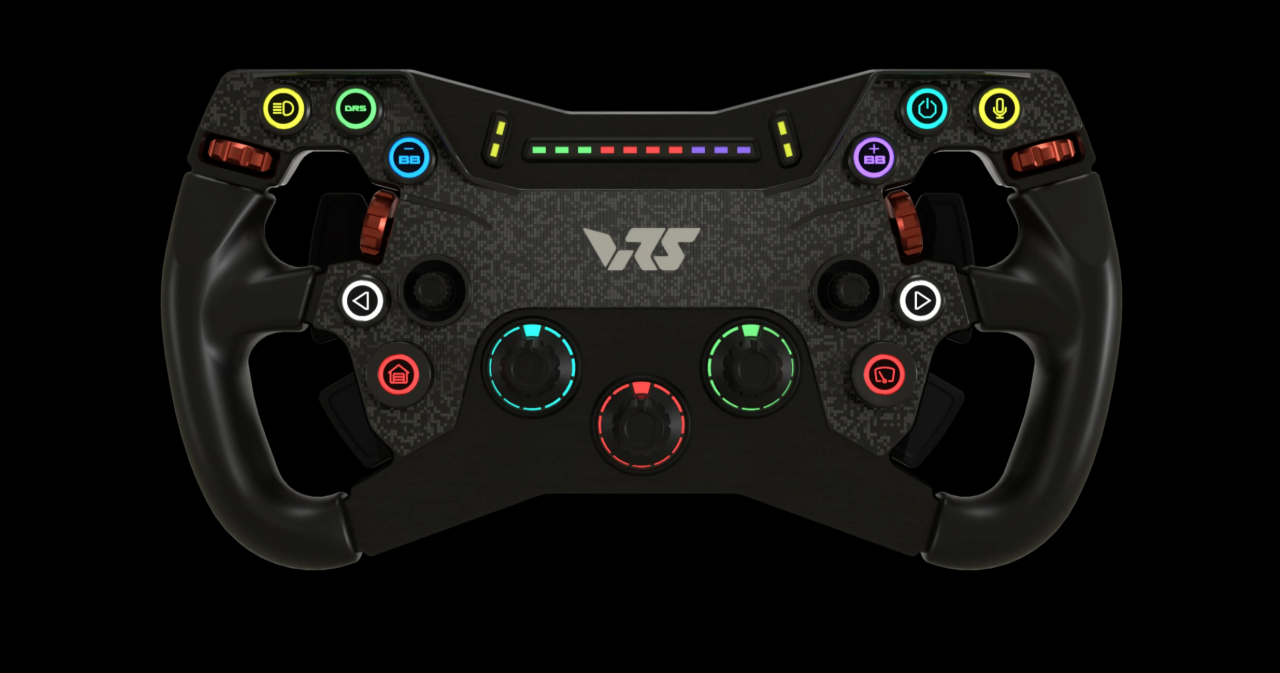
VRS R295 Steering Wheel
Best Value @ $349
MOZA FSR2 Formula Wheel
Best Value @ $649
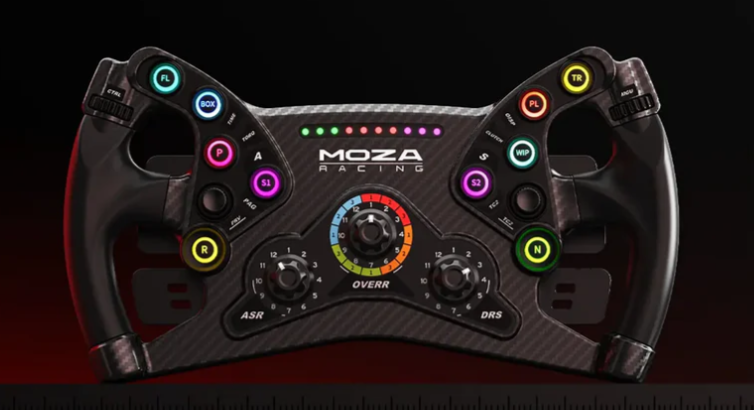
MOZA KS Steeering Wheel
Best Value @ $249
The Value of .blap and .olap Ghost Cars in iRacing: A Game-Changer for Learning Tracks
For sim racers looking to elevate their skills in iRacing, mastering a track is often the first and most critical step toward success. While practice and repetition are essential, tools like .blap (best lap) and .olap (optimal lap) ghost cars provide an unparalleled advantage. These files, which can be loaded into iRacing to display a ghost car on track, allow drivers to follow a virtual representation of a recorded lap, offering a dynamic and visual way to learn racing lines, braking points, and acceleration zones. When paired with resources like Virtual Racing School (VRS) and its pro-level ghost files and datapacks, these tools become even more powerful, enabling racers to study and emulate the techniques of top-tier sim racers. In this article, we’ll explore why .blap and .olap ghost cars are invaluable for learning tracks in iRacing, how they teach critical driving skills, and how integrating VRS resources can take your performance to the next level.
Understanding .blap and .olap Ghost Cars
In iRacing, .blap and .olap files are lap data files that store a driver’s best lap (.blap) or an optimized combination of their best sector times (.olap). When loaded into a test session, these files generate a ghost car—a semi-transparent vehicle that drives the recorded lap in real-time alongside you. Unlike static guides or written tutorials, ghost cars provide a live, interactive reference that moves with you around the track. This immediacy makes them a unique and effective learning tool, bridging the gap between theoretical knowledge and practical application.
The beauty of ghost cars lies in their simplicity and accessibility. To use them, you simply download a .blap or .olap file, place it in the appropriate iRacing folder (typically under Documents/iRacing/lapfiles/[track]), and load it via the options menu in a test session. Once activated, the ghost car appears on track, and you can follow it lap after lap, observing its every move. This hands-on approach is particularly valuable for beginners and intermediate racers who need a tangible way to understand how to navigate complex circuits.
Learning the Racing Line
One of the most immediate benefits of following a ghost car is the ability to learn the optimal racing line. The racing line—the path around a track that maximizes speed and minimizes lap time—is the foundation of fast driving. However, identifying this line through trial and error can be time-consuming and frustrating, especially on tracks with tight corners, elevation changes, or blind apexes. A ghost car eliminates much of this guesswork by showing you exactly where to position your car.
As you follow the ghost, you’ll notice how it hugs the outside of a corner on entry, clips the apex at the right moment, and exits wide to carry maximum speed onto the straight. For example, on a track like Spa-Francorchamps, the ghost car will demonstrate how to approach Eau Rouge flat-out (if the car allows) or how to thread the needle through Pouhon’s double-apex left-hander. By shadowing its movements, you internalize these lines over time, building muscle memory that translates into faster, more consistent laps. This visual learning process is far more intuitive than studying track maps or watching replays, as it puts you in the driver’s seat alongside a perfect reference.
Mastering Braking Points
Beyond the racing line, ghost cars are an exceptional tool for learning when and how to brake. Braking is one of the most challenging aspects of sim racing—too early, and you lose time; too late, and you overshoot the corner. The ghost car provides a real-time benchmark, showing you precisely where it begins to slow down and how aggressively it decelerates. By matching your braking to the ghost’s, you can refine your technique and gain confidence in your stopping points.
For instance, imagine practicing at Monza, a track known for its heavy braking zones like the Variante del Rettifilo chicane. The ghost car will reveal whether it brakes just after the 100-meter board or slightly earlier, depending on the car and setup. As you follow it, you’ll see how it modulates the brake pedal—whether it’s a sharp stab or a gradual application—and how it transitions into the corner. Over repeated laps, you can experiment with braking earlier or later, using the ghost as a guide to find the limit without risking a crash in a live session. This iterative process accelerates your learning curve, helping you nail braking points that might otherwise take hours to perfect.
Leveraging Pro Sim Racer Ghost Files from VRS
While any ghost car can teach you the basics, the real magic happens when you download .blap and .olap files from top-tier pro sim racers via resources like vrs.racing. Virtual Racing School (VRS) offers datapacks created by world-class drivers—think iRacing World Champions or professional sim racers like those from Coanda Simsport. These datapacks include ghost files, setups, replays, and telemetry, providing a comprehensive toolkit for improvement. By loading a pro’s ghost car, you’re no longer just learning a decent line—you’re studying the exact techniques that produce alien-level lap times.
Following a pro ghost car from VRS is like having a personal coach on track. These drivers have optimized every aspect of their lap, from turn-in points to throttle application, and their ghost cars reflect that precision. For example, on a technical circuit like Suzuka, a pro’s ghost might show you how to carry extra speed through the Esses by trail-braking just enough to rotate the car, or how to take a wider entry into Spoon Curve for a stronger exit. These subtle nuances are often invisible to the untrained eye but become apparent when you’re chasing a ghost that’s a second or two faster than your personal best. Over time, you’ll adopt these pro-level lines, shaving precious tenths off your lap times.
Beyond the Ghost: VRS Datapack Tutorials and Telemetry
Once you’ve mastered the racing line and braking points by following a pro ghost car, the next step is to dive deeper into the data behind the lap. This is where VRS datapack tutorials and telemetry analysis come into play. VRS doesn’t just provide ghost files—it also offers video tutorials and detailed telemetry data that break down the pro’s driving inputs. By combining these resources, you can refine your skills to match the pros in ways that go beyond what the ghost car alone can teach.
The VRS tutorials, often narrated by the pro driver themselves, explain their approach to each corner—why they brake at a certain point, how they manage tire wear, or when they get back on the throttle. For example, a tutorial for Laguna Seca might highlight how the pro feathers the throttle through the Corkscrew to maintain stability, a technique you can then practice with the ghost car as your guide. These insights give context to the ghost’s movements, helping you understand the “why” behind the “what.”
Telemetry takes this a step further by letting you compare your inputs—braking, throttle, and steering—directly against the pro’s. After recording your own lap with iRacing’s telemetry logger or VRS software, you can load it alongside the pro’s data in the VRS Driving Analyzer. Here, you’ll see a graph of their braking thresholds (how hard and how long they brake), acceleration points (when and how much throttle they apply), and steering angles. For instance, you might discover that the pro brakes 80% for 0.5 seconds at Turn 1 while you’re braking 100% for 0.7 seconds, causing you to lose momentum. By adjusting your inputs to match theirs, you can fine-tune your driving to extract every ounce of performance from the car.
Building Consistency and Confidence
The combination of ghost cars, pro files, tutorials, and telemetry doesn’t just make you faster—it makes you more consistent. Consistency is the hallmark of a great sim racer, and following a ghost car lap after lap ingrains the habits needed to hit your marks every time. As you align your braking and acceleration with the pro’s telemetry, you’ll notice your lap times stabilize, with fewer mistakes and off-track excursions. This reliability builds confidence, allowing you to push harder in races without fear of losing control.
Moreover, the iterative nature of this process—following the ghost, studying the tutorial, comparing telemetry, and repeating—creates a feedback loop that accelerates improvement. Each session builds on the last, turning raw potential into polished skill. For competitive iRacers aiming to climb the ranks, this structured approach is far more effective than aimless practice or relying solely on instinct.
Conclusion
In iRacing, .blap and .olap ghost cars are a very valuable tool for learning tracks, offering a dynamic and practical way to master racing lines and braking points. By following them around, you gain an intuitive understanding of how to navigate a circuit, while downloading pro sim racer ghost files from vrs.racing elevates that learning to an elite level. Pairing this with VRS datapack tutorials and telemetry analysis allows you to dissect and replicate the techniques of the best drivers in the world, from their braking thresholds to their acceleration timing. Together, these tools transform track learning from a daunting challenge into an achievable, step-by-step process, making them indispensable for any sim racer serious about improving their craft. Whether you’re a rookie or a seasoned competitor, ghost cars and VRS resources are your ticket to faster, more consistent laps—and ultimately, the podium.
SHARE THIS STORY ANYWHERE YOU LIKE
SHARE THIS STORY ANYWHERE
fusion_global=”97″]
