

Do Simulators Need WiFi for Your Event?
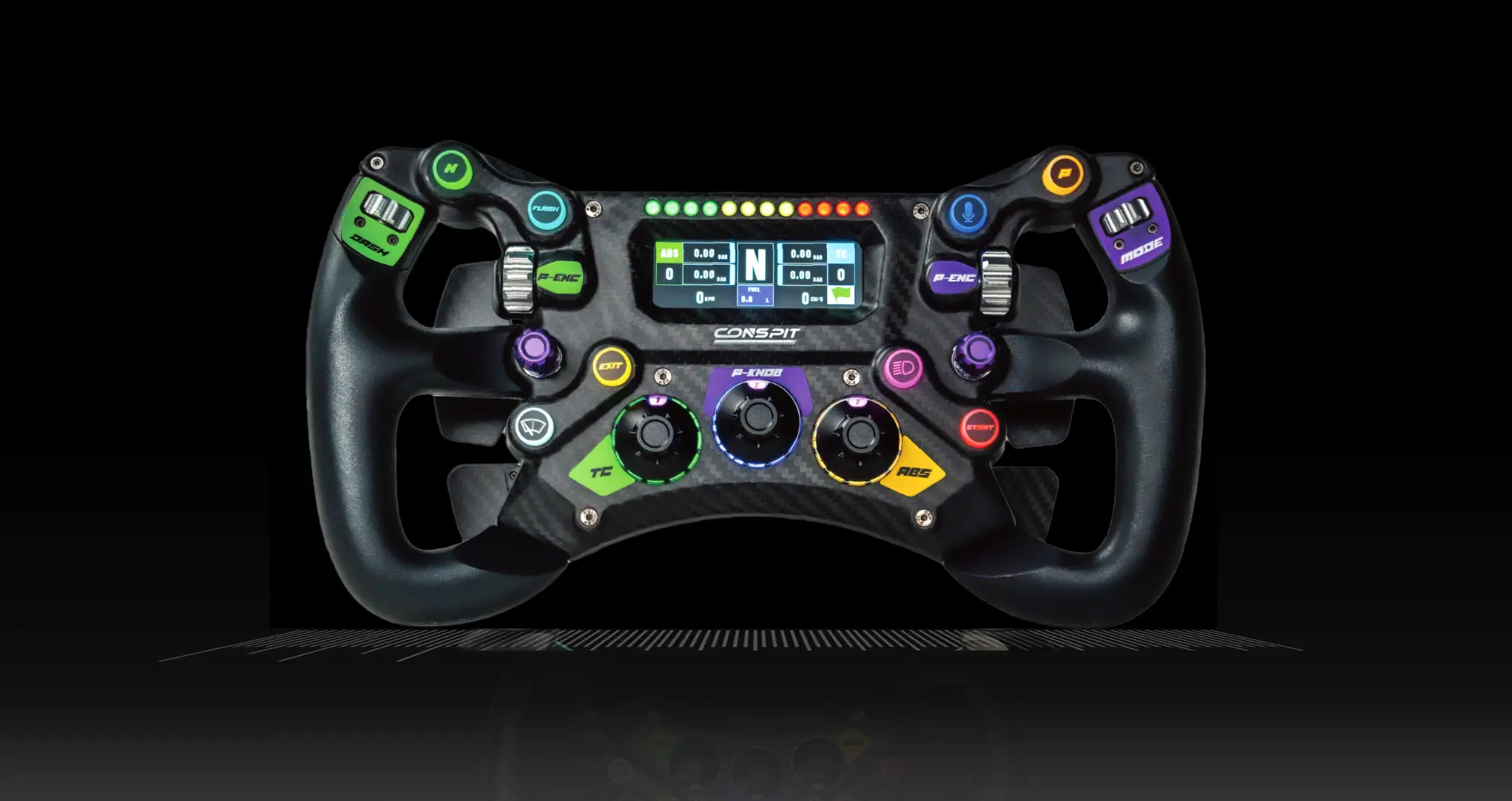
CONSPIT 300GT STEERING WHEEL
Best Value @ $399
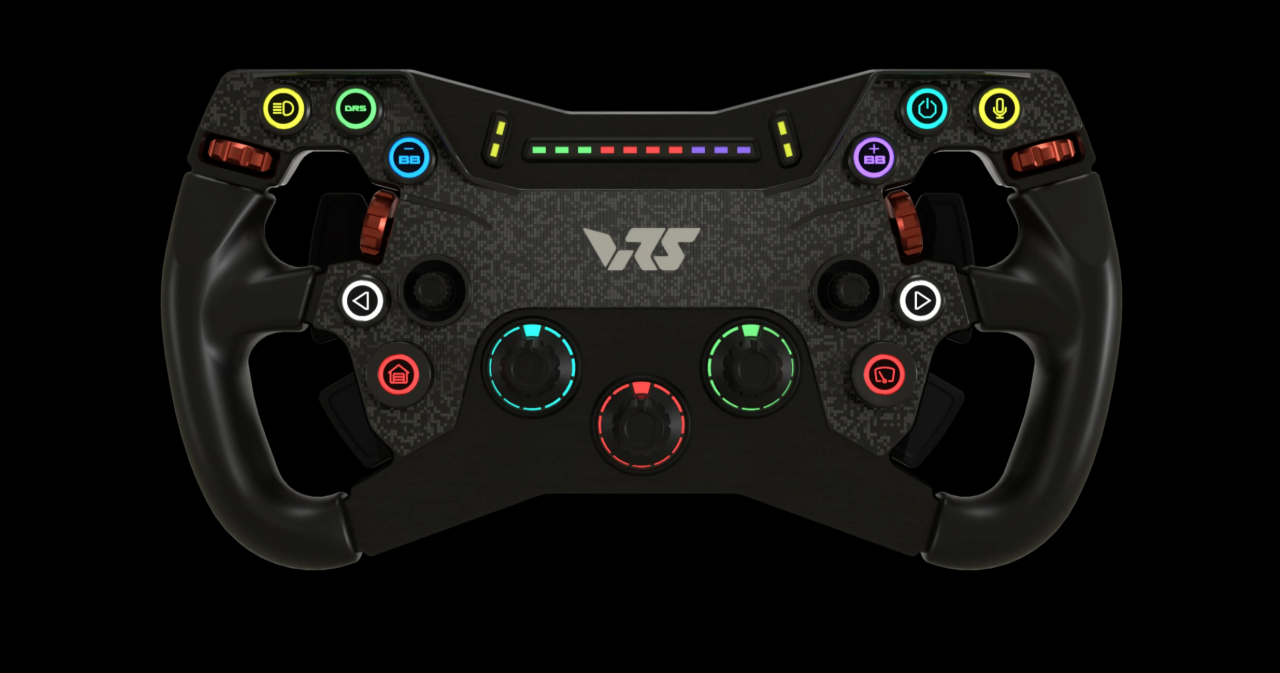
VRS R295 Steering Wheel
Best Value @ $349
MOZA FSR2 Formula Wheel
Best Value @ $649
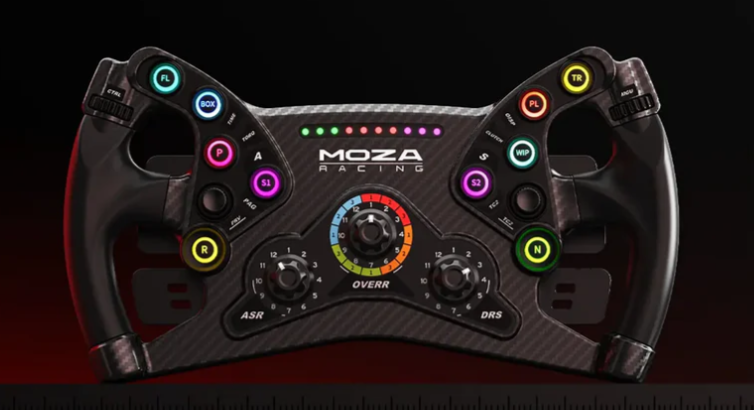
MOZA KS Steeering Wheel
Best Value @ $249
A packed trade show floor is not the place to discover that a venue’s guest network is overloaded. When planners ask, “do simulators need wifi,” the useful answer is: not always for racing, but reliable connectivity can make a major difference to the overall event experience.
A premium racing simulator can run locally without WiFi. The wheel, pedals, cockpit, displays, motion platform, and racing software all communicate through a dedicated computer at the rig. That means guests can climb in, receive coaching, and set competitive lap times even when internet access is limited or unavailable.
For corporate activations, though, WiFi is only one part of a larger reliability plan. The goal is not simply to get online. It is to keep every guest racing, every leaderboard accurate, every branded element displayed correctly, and every session moving at the pace your event demands.
Do Simulators Need WiFi to Race?
No. Most simulator experiences do not require WiFi for core single-player racing, time trials, or locally managed head-to-head competition. A professionally configured rig runs its essential hardware through wired connections inside the simulator. That is the right foundation for events because it removes unnecessary dependence on a convention center’s internet service.
This matters most when the simulator is being used for high-volume guest participation. At a conference, corporate party, product launch, or client event, people want to race immediately. They do not want to wait while a system reconnects to a network, downloads an update, or competes with hundreds of attendees streaming video on the same WiFi.
A local setup also gives event teams more control. Racing sessions can be standardized, cars and tracks can be selected in advance, and leaderboards can be managed on-site. Full-motion systems still deliver the cues that make braking, cornering, and acceleration feel dramatic without needing an active internet connection.
There is one practical distinction: WiFi and internet are not identical. A local wireless network may be used to connect supporting devices, while the simulators themselves can continue to operate without public internet access. For mission-critical event production, wired connections are generally preferred wherever they are needed.
When WiFi Adds Value to a Simulator Event
WiFi becomes valuable when the experience extends beyond the race itself. Live online racing, cloud-based account services, remote monitoring, real-time content updates, and some leaderboard formats may require an internet connection. It can also help with sharing event photos or video clips, sending digital lead-capture information, and coordinating production communications.
For branded activations, connectivity may support dynamic content rather than basic driving. Your logo can appear on the simulator exterior, on the in-sim race car, and on virtual track billboards without relying on WiFi if those assets are prepared in advance. But if a campaign needs last-minute creative swaps, live social integrations, or data flowing to an external marketing platform, dependable internet becomes more useful.
Online multiplayer is another consideration. Racing against remote drivers can add excitement, but it introduces variables outside the event space: latency, server status, platform updates, and network stability. For a corporate crowd, local timed competition is often the better choice. It is easy to understand, fair for every driver, and keeps the spotlight on friendly competition rather than technical troubleshooting.
The right question is not whether WiFi is available. It is what the activation needs to accomplish. A two-rig fastest-lap challenge has different network needs than a multi-day convention exhibit collecting leads, rotating branded content, and producing a live competition board.
Why Venue WiFi Is Rarely the Best Primary Plan
Venue WiFi can be excellent, but it should never be assumed to be event-grade just because it is advertised. Ballrooms, expo halls, stadiums, and hotels often have large numbers of connected guests. Signal strength can change across the room, access credentials may be delayed, and premium bandwidth can carry an additional cost.
Guest networks also create security and performance concerns. An open or heavily shared network is not the ideal place to run equipment that needs consistent communication. Even a brief drop in connectivity can interrupt an online session or prevent a service from loading at the wrong moment.
Professional simulator planning accounts for these realities before equipment arrives. The production team should know where the rigs will sit, where power is available, whether the floor is level, what network access is required, and what backup option is in place. At Sim Racing Warehouse events, the objective is simple: guests should remember the competition, the coaching, and the excitement of the full-motion ride – not the technology behind it.
The Best Connection Plan for Corporate Racing Simulators
For most event rentals, the strongest approach is local-first operation with internet used only where it adds clear value. Core race sessions should be configured and tested to run without depending on the venue network. This protects the experience if the WiFi slows down or becomes unavailable during a busy period.
When internet is required, a dedicated wired line is usually the best option. It offers more predictable performance than shared WiFi and is especially useful for online racing, live data, or a connected leaderboard display. A dedicated private wireless network can also work well for secondary devices, provided it has been tested in the actual event environment.
Cellular backup can be a smart safeguard, particularly for campaigns that need lead capture or remote reporting. Its performance depends on carrier coverage and building conditions, so it should be treated as a backup rather than an untested replacement for a dedicated connection. In large venues, asking the venue for technical specifications early can prevent costly day-of surprises.
A strong network plan also includes one rule that is easy to overlook: turn off automatic software updates. Gaming computers, operating systems, and racing platforms should be updated and verified before the event. The event day is for driving, not for downloading files or accepting unexpected software prompts.
Connectivity Is Only One Part of a Great Sim Experience
Fast internet does not make a simulator activation memorable on its own. The quality of the hardware, the realism of the motion, the presentation of the cockpit, and the way guests are guided into the experience matter more. Pro-driver-grade steering systems and pedals give drivers confidence. Full-motion platforms turn a hard braking zone or fast corner into a physical moment that draws a crowd.
Coaching is equally important. Many corporate guests will be racing for the first time, while others may arrive convinced they are ready for a pole position. Trained racing coaches keep both groups engaged. They can explain braking points, help a guest find pace after a spin, and create a welcoming competitive atmosphere without slowing down the event flow.
That personal guidance is particularly valuable for team-building. A leaderboard gives participants a reason to return, compare times, and cheer on colleagues. Meanwhile, branded cars, trackside billboards, and simulator wraps make the experience feel purpose-built for the host company rather than like generic entertainment placed in a corner.
Questions to Settle Before Your Event
Before confirming a racing simulator experience, decide whether you need purely local racing or connected features such as online competition, live reporting, or cloud-based lead capture. Share the venue’s network rules early, including any requirements for wired service, network registration, or security review.
It also helps to define the guest journey. Will attendees race for one quick lap, compete in a scheduled tournament, or return throughout the day to improve their time? That decision affects the number of rigs, display layout, staffing, and whether a connected leaderboard offers enough value to justify a dedicated internet plan.
If your activation depends on connectivity, request a test before doors open and confirm who owns venue network support during show hours. If it does not, enjoy the advantage of a simulator format that can keep delivering high-energy racing even when the WiFi is less than perfect.
The best simulator event is built around the people in the cockpits, not the signal bars on a phone. Plan connectivity carefully, keep the racing experience self-reliant, and give every guest a reason to chase one more lap.
SHARE THIS STORY ANYWHERE YOU LIKE
SHARE THIS STORY ANYWHERE
fusion_global=”97″]
