

What Size Space for a Simulator Rental Event?
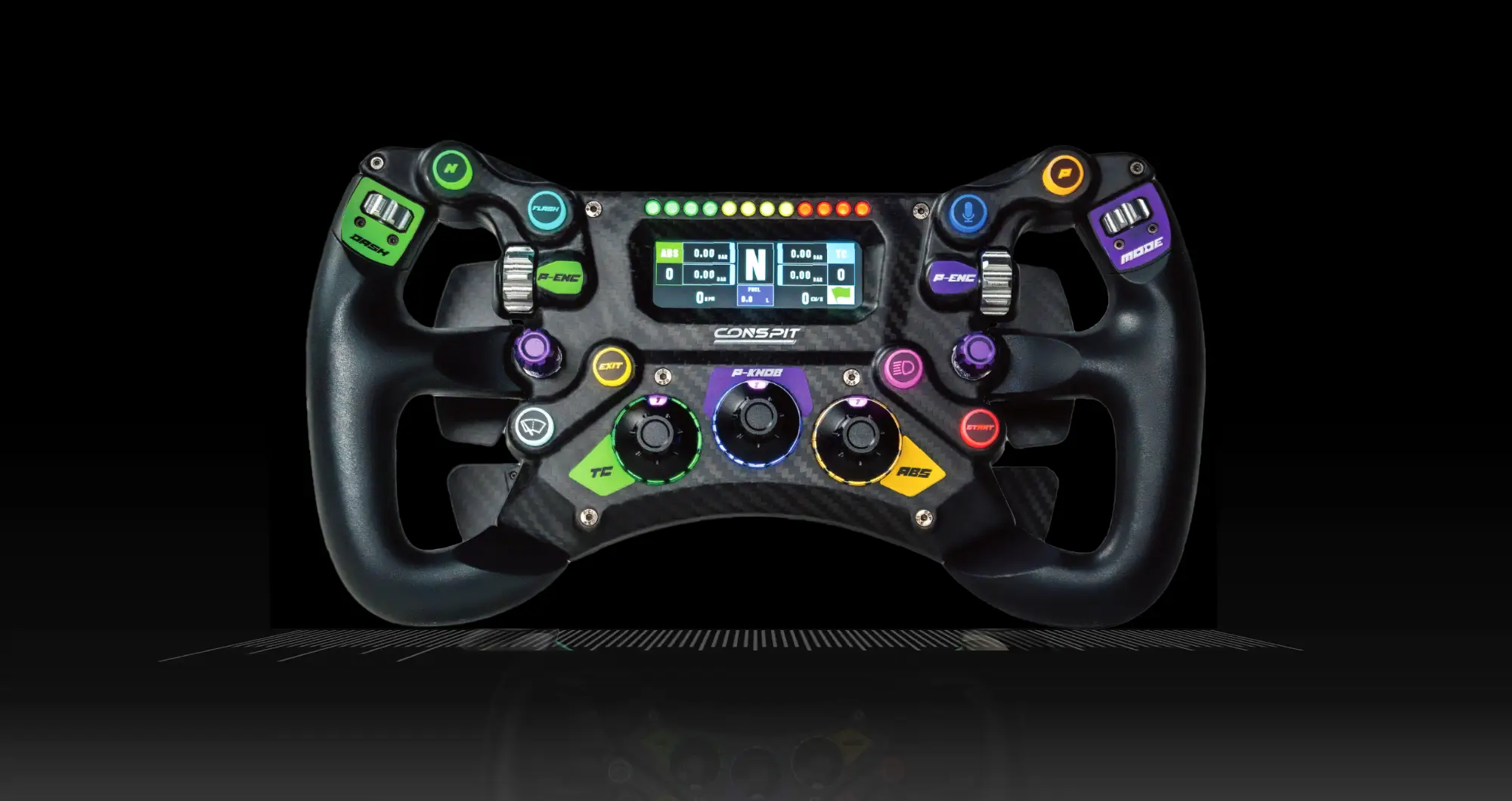
CONSPIT 300GT STEERING WHEEL
Best Value @ $399
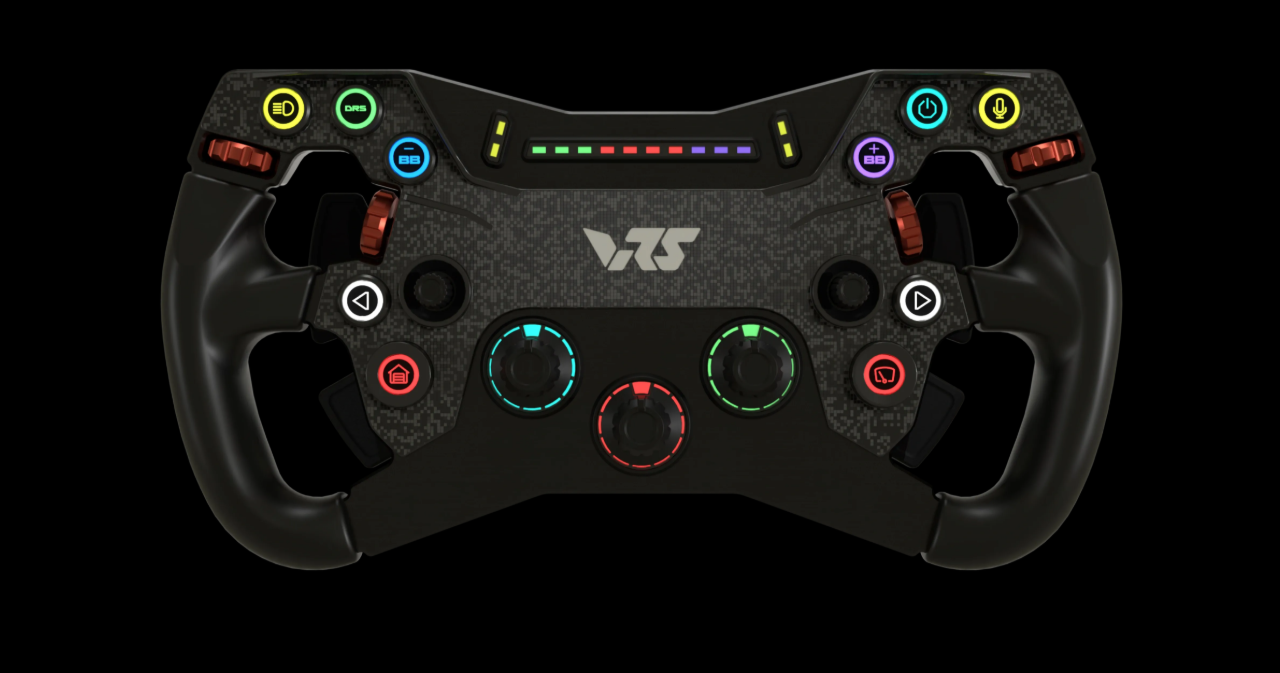
VRS R295 Steering Wheel
Best Value @ $349
MOZA FSR2 Formula Wheel
Best Value @ $649
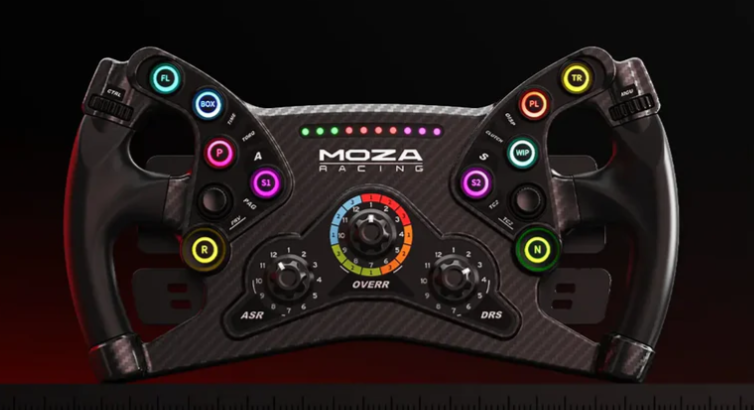
MOZA KS Steeering Wheel
Best Value @ $249
A racing simulator can turn an unused ballroom corner or trade show aisle into the busiest spot in the room – but only if guests have room to race, watch, queue, and celebrate their lap times. When event planners ask what size space for simulator rental, the answer is not simply the footprint of the cockpit. A premium full-motion experience needs an operational zone designed around safety, guest flow, trained coach access, and the level of brand presence you want to create.
For most corporate events, a single full-motion racing simulator needs a recommended 12-by-12-foot space. That gives the simulator, its motion range, the driver entry point, and a reasonable amount of room for a racing coach to guide each guest. Larger activations need more than multiplying that number by the number of rigs. Shared walkways, displays, spectators, and branded elements all deserve space in the floor plan.
What Size Space for Simulator Rental Works Best?
The practical starting point is the experience you want attendees to have. A simulator cockpit itself may occupy a relatively compact footprint, but the equipment is only one part of the activation. Professional racing coaches need room to help guests get seated, make quick adjustments, explain the controls, and keep the line moving. Full-motion systems also require clear space around the platform so the experience can operate safely and look polished.
For a premium single-simulator activation, plan for a 12-by-12-foot zone. This is a smart minimum for a corporate party, hospitality suite, or focused brand engagement where guests will take turns driving. It allows enough room for the rig and coach without forcing everyone to stand shoulder to shoulder.
For multi-simulator rentals, use these planning ranges as a starting point:
| Activation setup | Recommended event space | Best fit | |—|—:|—| | One full-motion simulator | 12 x 12 feet | Receptions, VIP lounges, smaller team events | | Two simulators | 20 x 12 feet | Corporate parties, client hospitality, offices | | Four simulators | 24 x 20 feet | Conferences, trade shows, team-building events | | Six simulators or more | 36 x 20 feet or larger | Major conventions, large branded activations |
These are working event footprints, not just equipment measurements. A venue with a little more room will nearly always produce a better guest experience, especially when the goal is to build energy around the racing rather than tuck it away in a quiet corner.
The cockpit footprint is not the guest footprint
A common planning mistake is measuring only the simulator platform. That can leave no practical room for driver changeovers, spectators, or a coach. The result is a line that spills into a main aisle, a blocked booth entrance, or a setup that feels more crowded than premium.
Think of each simulator as a small live experience zone. The driver needs a clear route in and out. The coach needs access to the seat and controls. A colleague or client should be able to watch the action without standing in the path of the next driver. Once you account for those needs, the recommended footprint makes sense.
A larger zone also gives your team flexibility. You may want a leaderboard screen, a checkered-flag photo moment, or a small stanchioned queue. For competitive events, that extra space helps guests see who is setting the fastest lap and keeps the energy high between sessions.
Ceiling Height, Power, and Venue Access Matter Too
Floor space gets the attention, but a good simulator rental plan begins with the full venue. For full-motion racing simulators, a clear ceiling height of at least 9 feet is preferred. Some locations can work with less, depending on the specific equipment and overhead conditions, but low ceilings, chandeliers, hanging signs, sprinkler heads, and exposed fixtures should be reviewed before committing to a layout.
Power should be available close to the activation area. Running cords across public walkways is not a professional solution, particularly at a busy conference or trade show. The rental team can confirm the electrical requirements for your simulator count, while your venue contact can identify dedicated outlets and any restrictions on cable management.
Access is equally important. A room may look spacious on a floor plan but still create challenges if the route from the loading dock includes narrow doors, tight turns, freight-elevator limits, or stairs. Share the load-in details early. It helps the installation team arrive prepared and helps prevent a last-minute change to the placement of your racing experience.
Plan for Guest Flow, Not Just Square Footage
The right size depends heavily on attendance and expected participation. If 30 guests will casually rotate through a simulator during a private reception, one or two rigs can create a memorable feature. If 500 conference attendees are likely to stop by over several hours, more simulators and a dedicated queue area are usually the better choice.
Race sessions are fast, exciting, and naturally social. Drivers want another attempt. Coworkers want to beat the score they just watched. That is exactly what makes a simulator rental effective for team-building and event engagement, but it also means the activation needs a traffic plan.
For a high-volume audience, reserve space for three groups: the guest currently driving, the next guests waiting to race, and spectators watching the screen or leaderboard. When these groups have distinct places to stand, the experience feels organized without losing its competitive buzz. It also gives trained racing coaches the room to welcome each participant and keep sessions moving at the right pace.
At Sim Racing Warehouse, our professional coaches do more than monitor the equipment. They help every guest get comfortable in the seat, understand the car, and find the excitement quickly – whether they arrive as a serious motorsports fan or have never driven a simulator before. That personal guidance is one reason an activation needs more space than a bare cockpit measurement suggests.
Space Needs Change by Event Type
A trade show floor calls for a different layout than a company holiday party. At a convention, visibility is often the priority. Positioning simulators near the open edge of a booth draws attention, but the rigs should sit far enough back that the queue does not block the aisle. A four-simulator footprint with an outward-facing display area can create a strong visual anchor while keeping the booth functional.
For a ballroom, reception area, or corporate office, the main consideration is the relationship to food, seating, and conversation spaces. Put the simulators where the sound and activity can build excitement without disrupting presentations or dinner service. A corner near the bar may work well for an open-house style event, while a separate competitive zone is often better for structured team-building.
Outdoor events need additional consideration. A covered, level surface protects the equipment and drivers from weather while giving the team a controlled operating environment. Plan enough room for the covered racing footprint, electrical access, and a clear arrival route. Outdoor activations can be highly visible, but they need a thoughtful site plan rather than an open patch of pavement.
Leave Room for Branding That People Will Notice
A simulator rental can be entertainment, but it can also be a highly visible marketing asset. If you want to place your logo directly on the simulators, inside the virtual race cars, or across trackside billboards, reserve space that allows guests and onlookers to see those details clearly.
This is especially valuable at product launches, sales meetings, conferences, and sponsor events. A tightly packed setup may fit more hardware into a smaller area, but it can hide the branded elements that make the activation work harder for your business. The best layouts give the simulators visual breathing room and orient screens toward the audience.
Branding requirements should be discussed during planning, along with your preferred color treatment, messaging, campaign visuals, and competition format. A qualifying leaderboard, for example, may need display space and a clearly visible place for guests to compare results. A head-to-head race needs room for the audience to watch both drivers at once.
The Best Footprint Starts With the Event Objective
There is no one-size-fits-all answer because a simulator rental can serve very different roles. A single rig may be exactly right for an executive gathering where every guest gets personal coaching. A six-rig grid may be the better fit for a convention where speed, visibility, and throughput matter most.
Bring your expected guest count, venue floor plan, ceiling height, event schedule, and branding goals into the conversation early. With those details, the right simulator count and footprint become much easier to define. Give the experience enough room to perform, and your guests will remember the rush of the race long after the event ends.
SHARE THIS STORY ANYWHERE YOU LIKE
SHARE THIS STORY ANYWHERE
fusion_global=”97″]
